Store
Review WooCommerce orders, see customer and delivery details, update statuses, manage stock, and publish products with images.
NJIXHost Connect brings the daily work around your hosted website together: online-store operations, website visitors, live conversations, professional email, and supported shipment tracking.
Secure portal sign-in · Four-digit app PIN · Modules follow your connected services
One mobile-first workspace for the services connected to your NJIXHost website.
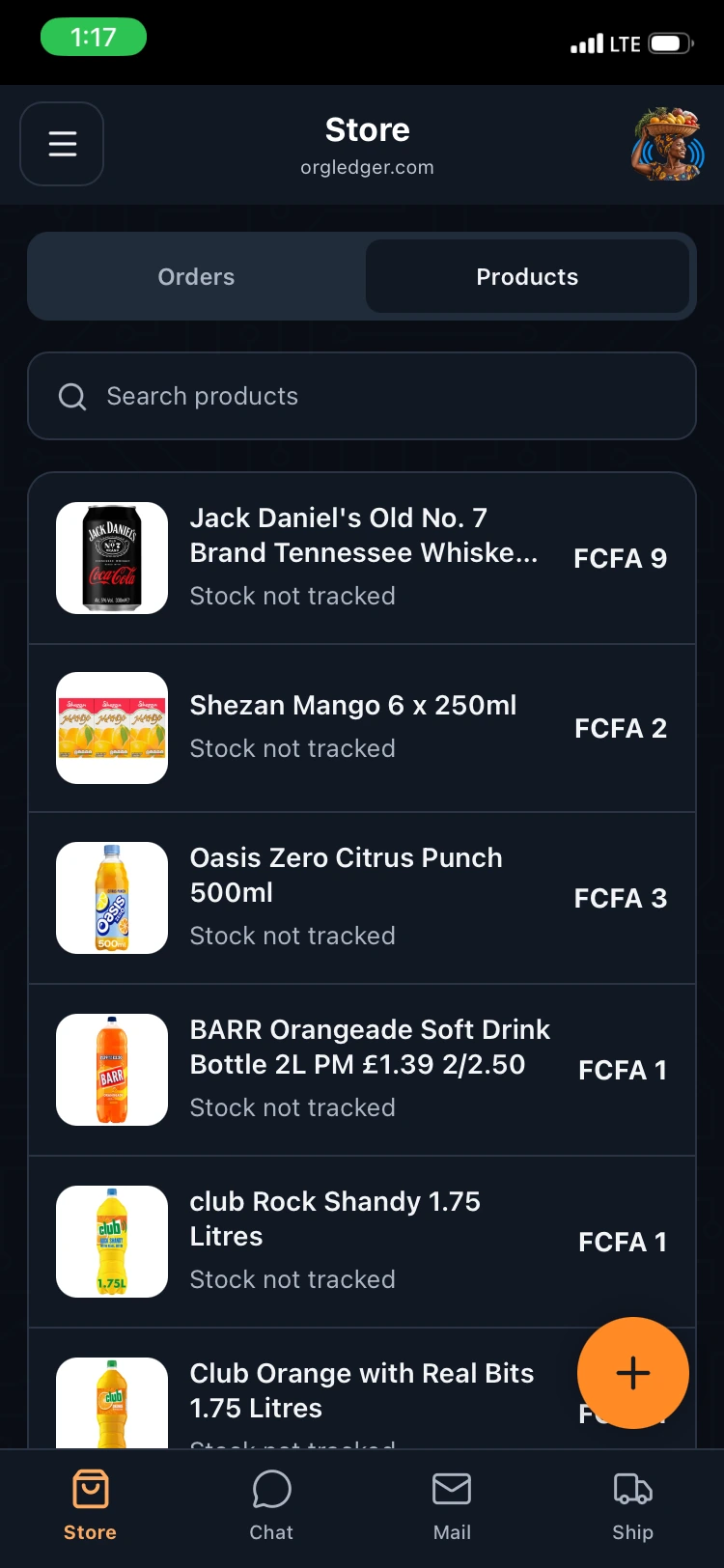
Review WooCommerce orders, see customer and delivery details, update statuses, manage stock, and publish products with images.
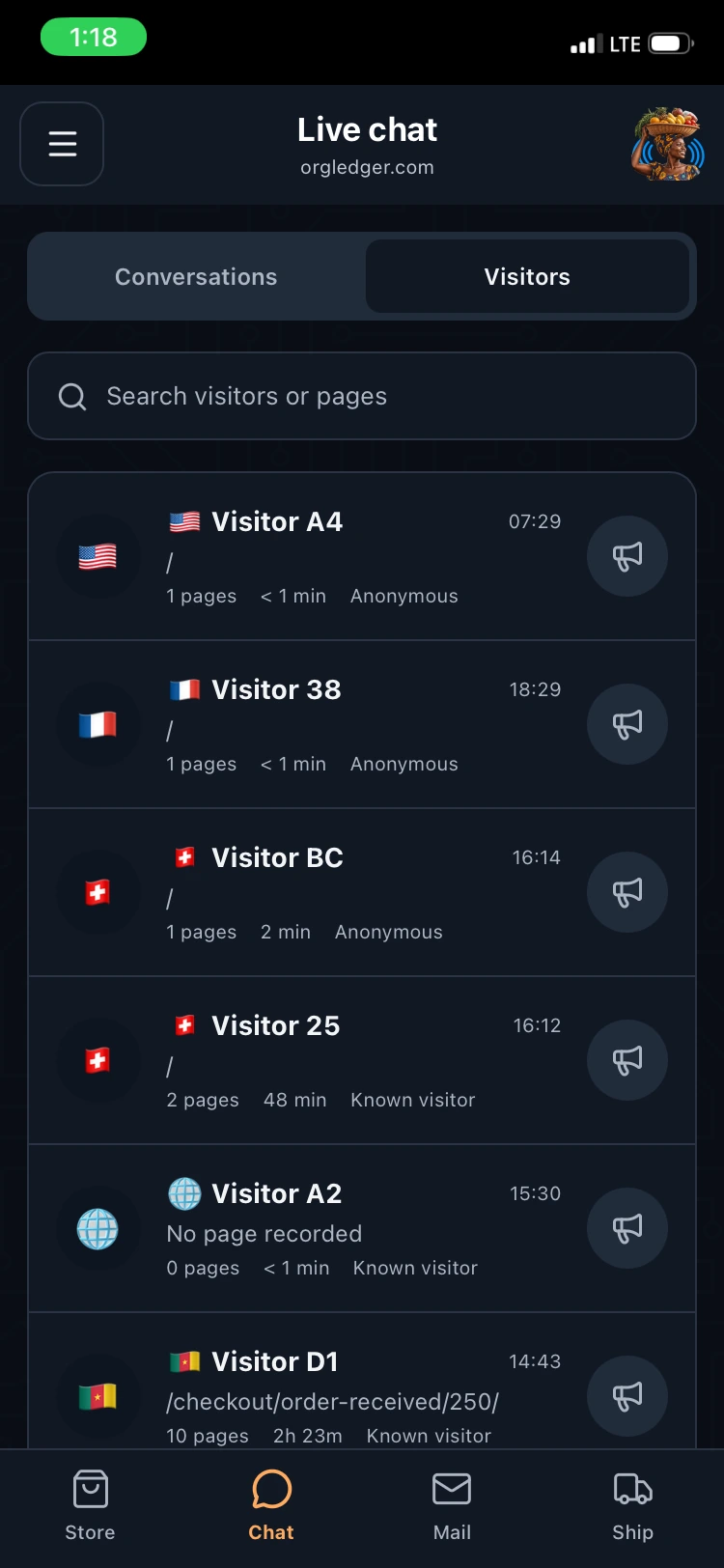
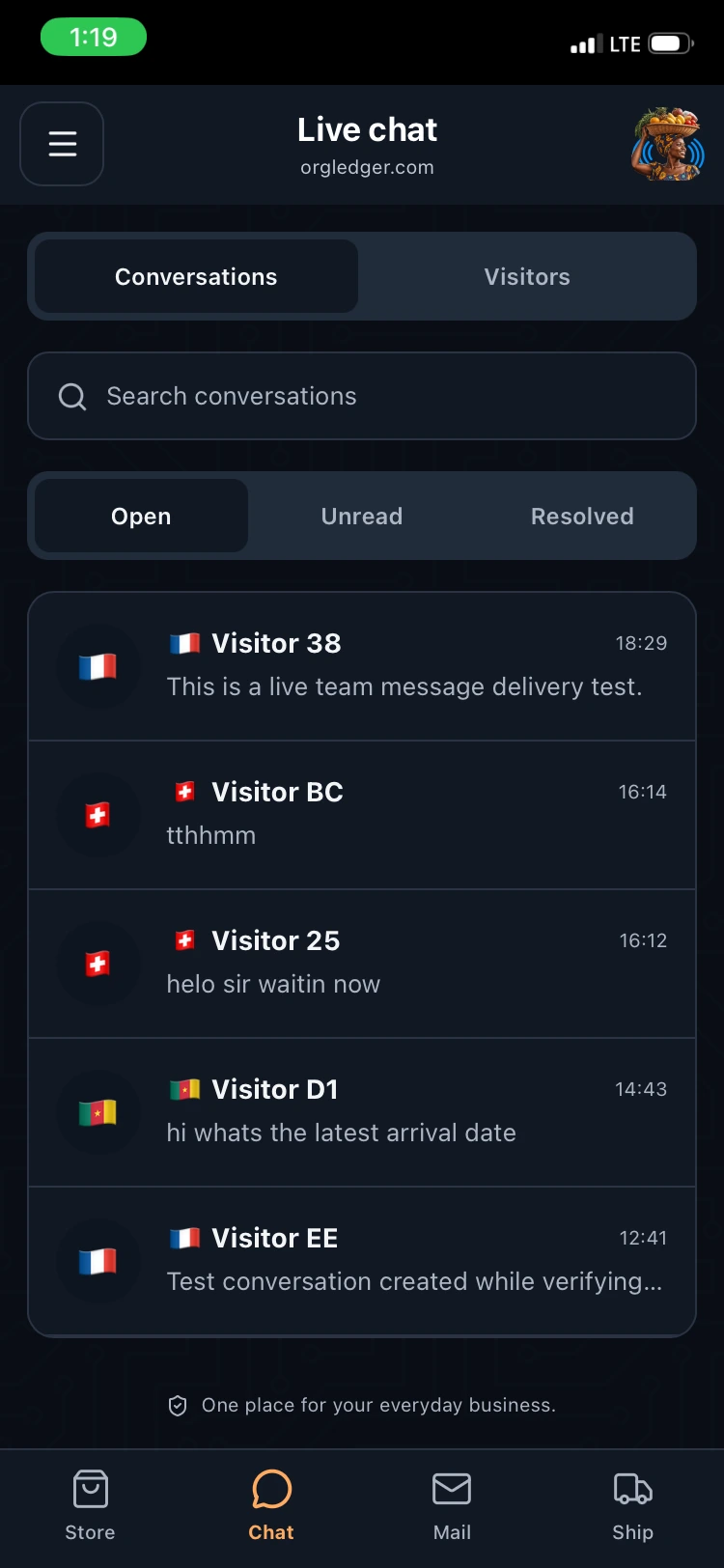
See active website visitors, understand the pages they view, reply to conversations, and send a human-initiated popup or product recommendation.
Read, compose, reply, archive, and work across inbox, sent, and spam folders from the professional mailbox connected to your website.
Create and update shipment records from sites using the supported NJIXHost Logistics plugin, including location, status, and ETA workflows.
Responsive lists, clear controls, product imagery, visitor context, and background alerts help you move from notification to action quickly.
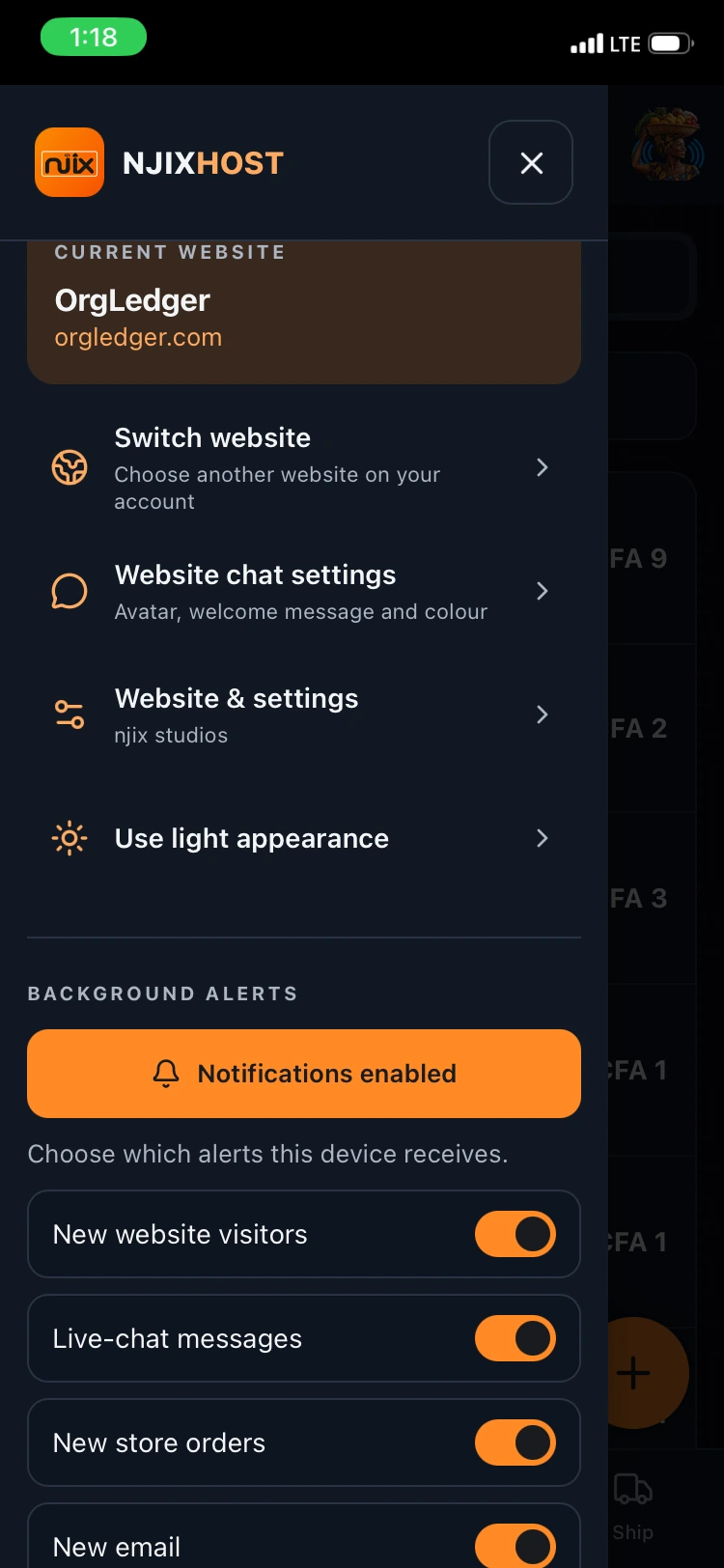
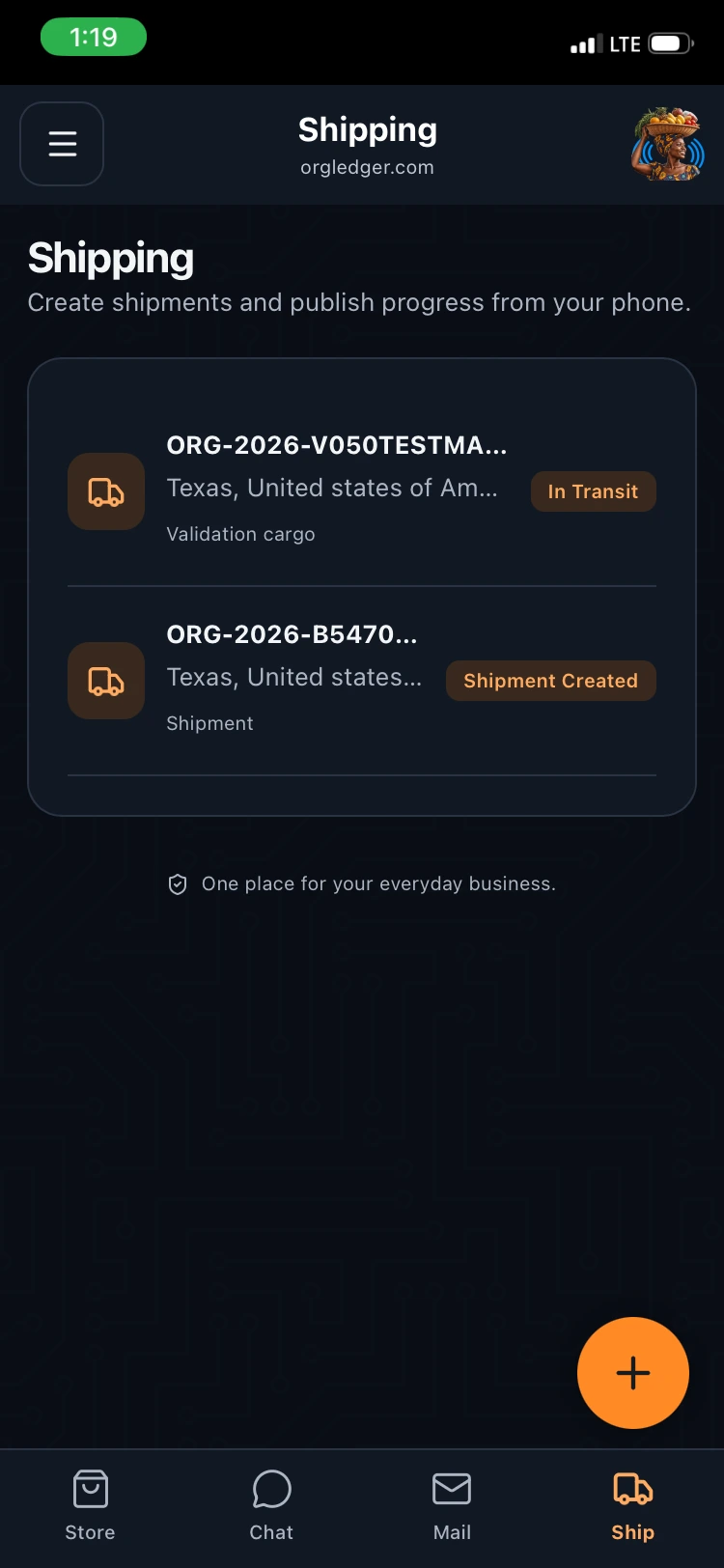
Your portal account determines which websites you can access. Each website exposes only the modules its services support, so a content site is not forced into store tools and a logistics site can work with its shipment workflow.
Portal authentication, device sessions, a four-digit app PIN, scoped website access, and protected server-side credentials reduce repeated sign-in without placing hosting passwords in the browser.
Your active website must be assigned to your portal account.
Features appear when WordPress, WooCommerce, business email, live chat, or NJIXHost Logistics is available.
Open the secure app, install it to your home screen, sign in, and set your app PIN.
NJIXHost Connect is an installable, mobile-first web app for eligible NJIXHost customers. It brings connected WordPress, WooCommerce, website live chat, business email, and shipment workflows into one workspace.
Open app.njixhost.com on your phone and use the installation prompt. On iPhone, use Safari and choose Add to Home Screen when prompted.
Available modules depend on the services connected to the website. WooCommerce tools require WooCommerce, and shipping tools require the supported NJIXHost Logistics plugin.
If multiple eligible websites belong to the same portal account, you can switch between those websites inside the app.
Install NJIXHost Connect or start with WordPress hosting built around the complete business workflow.